Cloud Phone System for Remote Teams: Everything You Need in 2026
A cloud phone system for remote teams that works on any device, anywhere. Unlimited calling, AI transcription, help desk, from $35/user. Try eFone free.
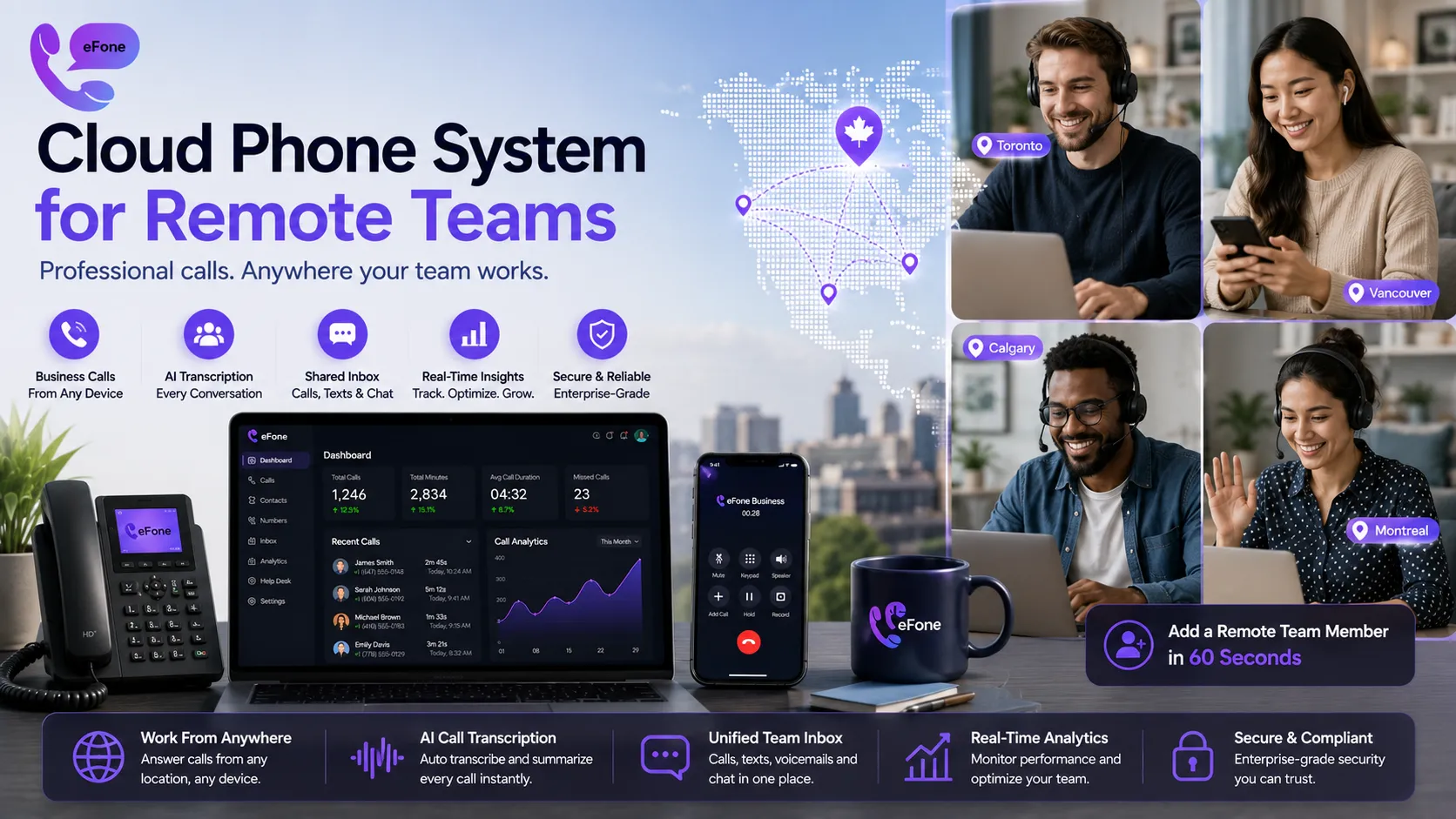
A cloud phone system for remote teams gives every distributed employee a professional business number, call routing, AI transcription, and a shared inbox, accessible from any device, in any location, with no hardware to install. For Canadian and US businesses running hybrid or fully remote teams, it is the single communication infrastructure upgrade that pays for itself within the first month of use. This guide covers what to look for, how eFone delivers it, and how to get a cloud phone system for remote teams live in under 30 minutes.
What Is a Cloud Phone System for Remote Teams?
A cloud phone system for remote teams is a VoIP-based business phone platform hosted entirely by your provider, no on-site PBX hardware, no office wiring, no geographic restriction on who can use it. Every remote worker accesses the same business phone number, routing rules, voicemail, and AI features through an app on their smartphone, laptop, or browser.
Unlike a traditional office phone system where each desk has a physical handset wired to a central PBX box, a cloud phone system for remote teams lives in the provider's data centres and is accessed over the internet. Adding a new remote worker takes 60 seconds, send an email invite, they download the app, they are live. No technician, no hardware, no waiting.
What a cloud phone system for remote teams includes that a traditional system cannot:
- Location-independent calling: remote workers call from any country using their business number
- Device flexibility: works on iPhone, Android, Mac, Windows, or any browser
- Shared team inbox: calls, texts, and chat in one view regardless of where each person sits
- AI call transcription: every conversation captured and summarised automatically
- Real-time dashboards: managers see call volume, queue depth, and team status without being in the same office
Why Traditional Phone Systems Fail Remote Teams
A remote work phone system needs to handle something a traditional office system never had to: calls made by employees who are never in the same room. Here is where legacy systems consistently break down for distributed teams:
Calls still ring a physical desk. When a remote employee's desk phone rings and they are at home, the call goes to voicemail at the office. Customers leave messages no one checks. Revenue is lost.
Adding a remote employee requires hardware. Ordering, shipping, and configuring a desk phone for a new remote hire takes days or weeks. A cloud phone system for remote teams adds a new user in 60 seconds.
Managers have no visibility. Without a shared platform, managers cannot see which calls are being handled, how long customers wait, or which team members are available, especially when the team is spread across cities or time zones.
Separate tools create data silos. When remote workers use personal phones for business calls, call data never reaches the CRM. No transcripts. No records. No quality assurance.
International remote workers face expensive calling. If a remote employee is temporarily in another country, outbound calls on a traditional plan generate unexpected international charges that a cloud-based VoIP for distributed teams plan eliminates entirely.
Cloud Phone System for Remote Teams vs. Traditional Office Phone: Cost Comparison
For a 15-person distributed team, here is the real monthly cost picture:
| Factor | Cloud Phone System for Remote Teams (eFone) | Traditional On-Premise System |
|---|---|---|
| Setup Cost | $0, cloud activated instantly | $8,000-$20,000 hardware + installation |
| Monthly (15 users) | $435/month, everything included | $800-$1,500/month base + add-ons |
| Add Remote Worker | 60 seconds, no cost | 3-7 days, $300-$600 hardware |
| AI Transcription | Included on every call | Not available |
| International Calls | Flat-rate Canada + US; low pay-as-you-go | $0.30-$1.00/min premium rates |
| Maintenance | $0, provider-managed updates | $200-$500/month IT costs |
Annual savings for a 15-person remote team switching to eFone: $4,380 to $12,780+. Full plan details available so you can compare plans. For enterprise teams with 50+ remote workers, custom configurations are available.
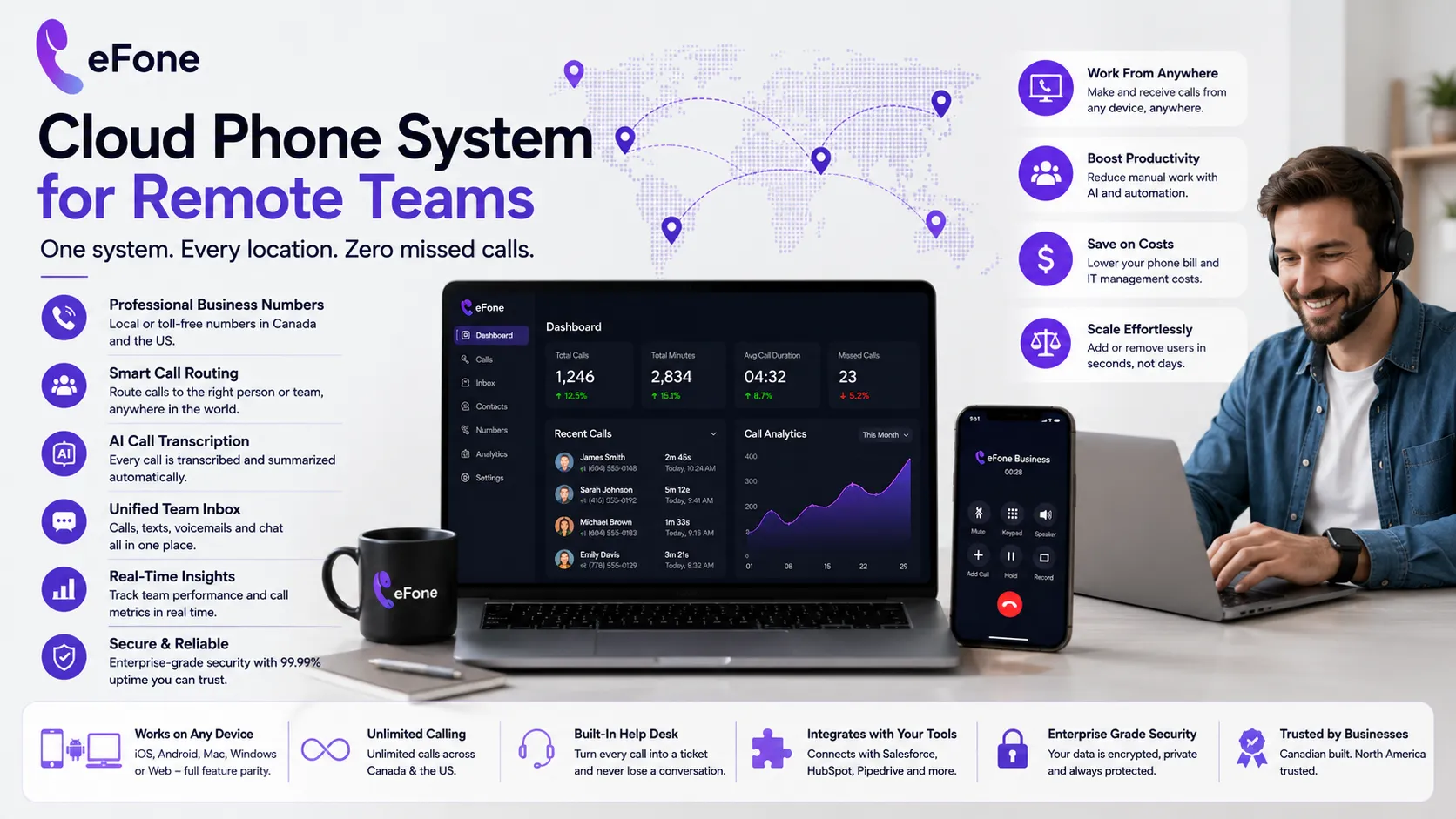
Key Features Every Cloud Phone System for Remote Teams Must Have
Not every cloud phone system for remote teams delivers equal value. When evaluating platforms, these are the features that matter most for a genuinely distributed workforce:
Mobile and Web App with Full Feature Parity
Remote workers should access every feature, calling, messaging, voicemail, call history, conference calling, from their smartphone or browser. Not a stripped-down mobile version. Full parity. Try eFone's web phone right now with no signup required.
AI Call Transcription and Summaries
A business phone app for remote workers that automatically transcribes every call eliminates the post-call scramble for notes, critical for remote teams where sales and support managers cannot sit beside reps to monitor conversations in real time. eFone transcribes and summarises every call, with the transcript linked to the customer record in your CRM automatically.
Shared Team Inbox and Help Desk
Every inbound call, text, and chat flows into a shared inbox visible to the entire team. When one remote worker is unavailable, another picks up the conversation with full context, no customer repeats themselves. eFone's built-in help desk converts calls into trackable tickets automatically.
Ring Groups and Call Routing
Team calling software for remote teams must route inbound calls intelligently, not to a single employee's extension that may go unanswered. Ring groups ensure calls reach the first available remote team member. Time-based routing sends after-hours calls to voicemail or an on-call team, regardless of time zones.
Virtual Phone Numbers by Location
Remote teams often serve customers in multiple regions. A virtual office phone system lets each regional market have a local area code number, even if no one physically works there. Browse Canadian and US numbers to find the right fit for every region your team serves.
CRM Integration
Remote workers who manually log calls in a CRM after each conversation lose 10 to 15 minutes per hour of calling time. A cloud phone system for remote teams that integrates natively with Salesforce, HubSpot, or Pipedrive logs every call, attaches the transcript, and updates the contact record automatically, zero manual entry.
Setting Up a Cloud Phone System for Remote Teams: Live in Under 30 Minutes
eFone's cloud phone system for remote teams is designed to be operational the same day you sign up. Here is the complete setup sequence:
- Step 1: Get started. No credit card required. Your remote work phone system account is active immediately with a temporary number.
- Step 2: Choose your numbers. Select Canadian or US virtual numbers for your team. Pick local area codes for each region your team serves.
- Step 3: Configure call routing. Set up ring groups, auto-attendant greetings, and time-based routing through the business dashboard. Takes under 10 minutes, no telephony expertise required.
- Step 4: Invite remote team members. Send email invites from your dashboard. Each remote worker downloads the eFone app and is live on the cloud phone system for remote teams in under 5 minutes.
- Step 5: Connect your CRM and help desk. Authorise integrations through the features page. Call data, transcripts, and tickets now flow automatically into your business tools.
- Step 6: Port your existing number (optional). Transfer your current business number to eFone free of charge. Contact the team to initiate, takes 1 to 3 business days with zero downtime.
Why eFone Is a Trusted Cloud Phone System for Remote Teams
- Expertise: Canadian-built platform, learn about eFone, designed from the ground up for North American distributed teams
- Experience: Thousands of remote teams across Canada and the US running daily calls through eFone's platform
- Authority: All-inclusive pricing, no add-on tiers for transcription, help desk, or CRM sync
- Trust: CRTC-compliant, privacy policy published openly, terms of service clearly stated, data handled under Canadian standards
- No lock-in: Month-to-month billing, your remote work phone system subscription adjusts as your team grows or contracts
FAQ: Cloud Phone System for Remote Teams
What is the best cloud phone system for remote teams in Canada?+
The best cloud phone system for remote teams combines unlimited Canada and US calling, AI transcription, a shared team inbox, and CRM integration on one account. eFone's Business plan at $35/user/month delivers all of this with a 30-day cancel guarantee.
Can remote workers use the system from different countries?+
Yes. eFone's cloud phone system for remote teams works from any country with an internet connection. Calls to Canada and the US are at flat rate; calls to other countries are pay-as-you-go at transparent international rates.
Does a cloud phone system for remote teams work on mobile phones?+
Yes. eFone's mobile app runs on iPhone and Android with full feature parity, calling, messaging, voicemail, transcription, and the help desk inbox are all accessible from a smartphone.
How does a remote work phone system handle after-hours calls?+
eFone's time-based routing sends calls to voicemail, an on-call ring group, or a custom after-hours message outside of configured business hours, fully automated, no manual forwarding needed.
Is VoIP for distributed teams as reliable as a traditional phone line?+
Yes. eFone's cloud phone system for remote teams runs on carrier-grade infrastructure with 99.9% uptime and automatic failover to cellular if a remote worker's internet drops. Call quality on a stable broadband connection typically exceeds a traditional landline.
What internet speed do remote workers need for the cloud phone system?+
A minimum of 2.5 Mbps upload and download per active call. Any standard home broadband or office connection easily supports this, most Canadian home internet plans run at 25 Mbps or higher.
Give Your Remote Team the Phone System They Actually Need
Remote teams deserve more than call forwarding bolted onto an office PBX. A real cloud phone system for remote teams routes calls intelligently, transcribes every conversation automatically, integrates with your CRM, and gives your managers visibility across the entire team, regardless of where each person works that day.
Get started. Try a live call from your browser via the web phone, no signup needed. Compare plans to find the right fit. For large distributed teams, enterprise teams get custom configurations. Any questions? Contact the team directly.
Ready to get your number?
Set up a business phone and help desk on one account, or grab a personal line to call home — usually in minutes.
Get started