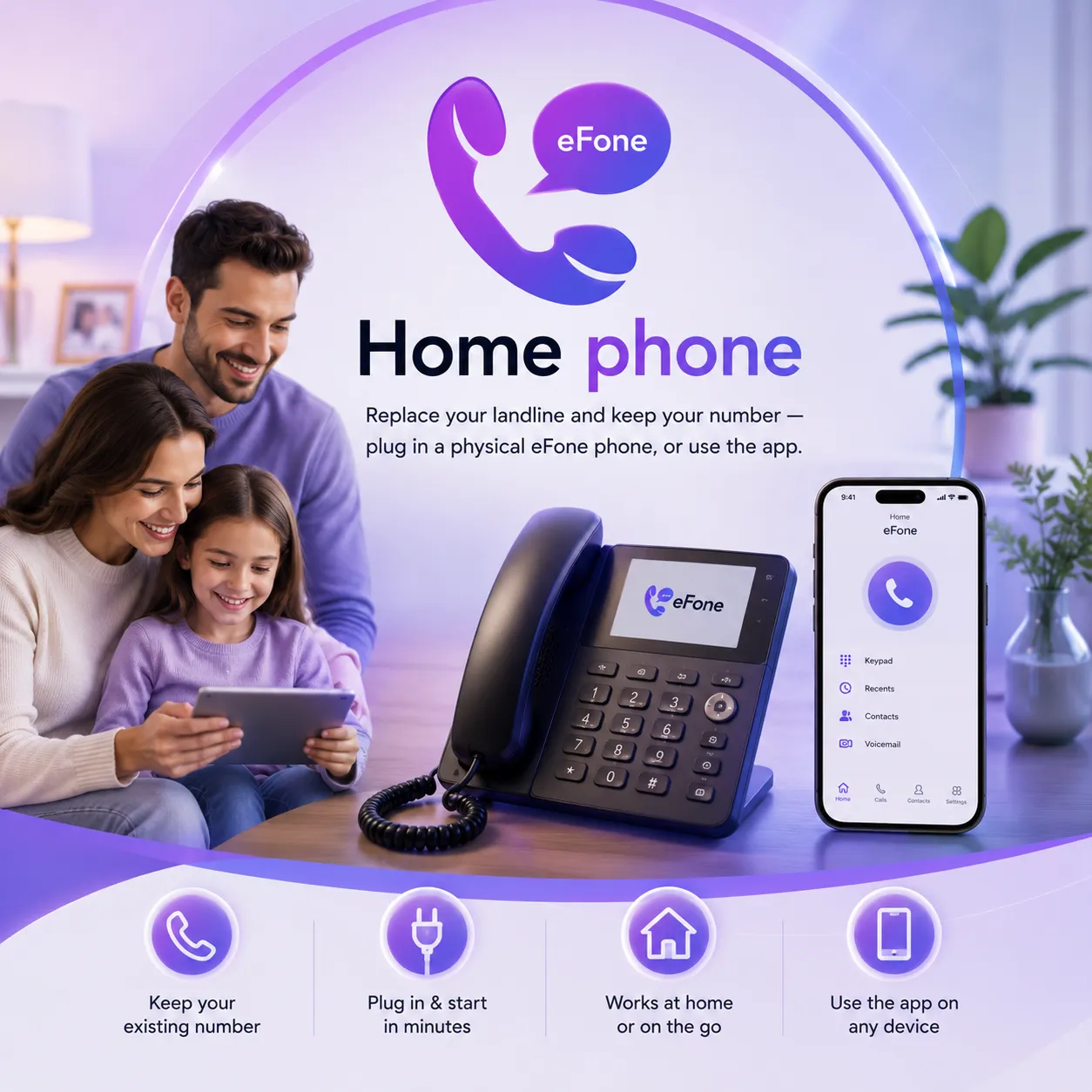
Home phone
Home Phone Service That Fits Modern Living
Upgrade your home phone experience with reliable VoIP technology, crystal-clear voice quality, and flexible plans that keep you connected without the high costs of traditional landlines.
Why switch
Everything a landline does — for less
The reliability you expect from a home phone, on a modern internet line that costs a fraction of the telco.
Keep your number
Port the home number you've had for years to eFone — no need to tell everyone you've changed.
Works with your phone
Plug your existing cordless or analog handset into a small ATA adapter, or use any IP phone.
Cheaper than the telco
Simple pricing — rates shown up front, and no line-rental surprises.
911 / E911 included
Register your address so emergency calls route to your local dispatcher with your location.
How it works
From box to dial tone in minutes
Sign up & pick or port
Create your account, then choose a new US or Canada number or port your existing home number.
Plug in your device
Connect your phone to an ATA adapter (or set up an IP phone) — we'll send the settings.
Register 911 & call
Add your service address for E911, then make and take calls just like your old landline.
What you need
Use the phone you already own
There are two easy ways to get a dial tone at home — pick whichever suits you.
- Analog handset + ATA adapter — plug your existing cordless or corded phone into a small adapter that connects to your router
- IP phone — an internet-ready desk phone that plugs straight into your network, no adapter needed
- Either way, you also get the eFone app so the same home line rings on your mobile and web phone
ATA adapter
Keep the handset you love. The adapter sits between your phone and your router.
IP phone
Prefer new hardware? A standard IP phone plugs straight into your network.
Same line, every device
Your home number can also ring the eFone app on your phone and the web phone — so you can answer from the couch or the car.
FAQ
Home phone questions, answered
What equipment do I need to use eFone Home Phone?+
All you need is a reliable internet connection and either an ATA adapter with your existing home phone or a compatible IP phone. Once connected, your phone is ready to use.
How long does it take to set up my Home Phone?+
Most new installations take just a few minutes. If you're porting an existing number, the transfer may take a few business days depending on your current provider.
Can I make international calls?+
Absolutely. You can call over 100 countries with competitive international rates, and you can also purchase international calling add-ons for even greater savings.
Can I use my Home Phone on multiple devices?+
Yes. In addition to your home handset, your eFone number can ring on the eFone mobile app and Web Phone, allowing you to answer calls wherever you are.
What is an ATA adapter?+
An ATA (Analog Telephone Adapter) connects your traditional home phone to your internet router, allowing it to work with eFone's VoIP service without replacing your handset.
Can I choose a new phone number instead of transferring one?+
Yes. If you don't want to port your existing number, you can purchase a new US or Canadian phone number during setup.
Can I receive calls while I'm away from home?+
Yes. Your home phone number can also ring on the eFone mobile app and Web Phone, so you can answer calls even when you're not at home.
Is call quality the same as a traditional landline?+
Yes. With a stable internet connection, eFone delivers crystal-clear HD voice quality that is comparable to or better than traditional landline service.
Bring your home phone into this century
Keep your number, plug in your handset, and pay less — set up your eFone home phone today.