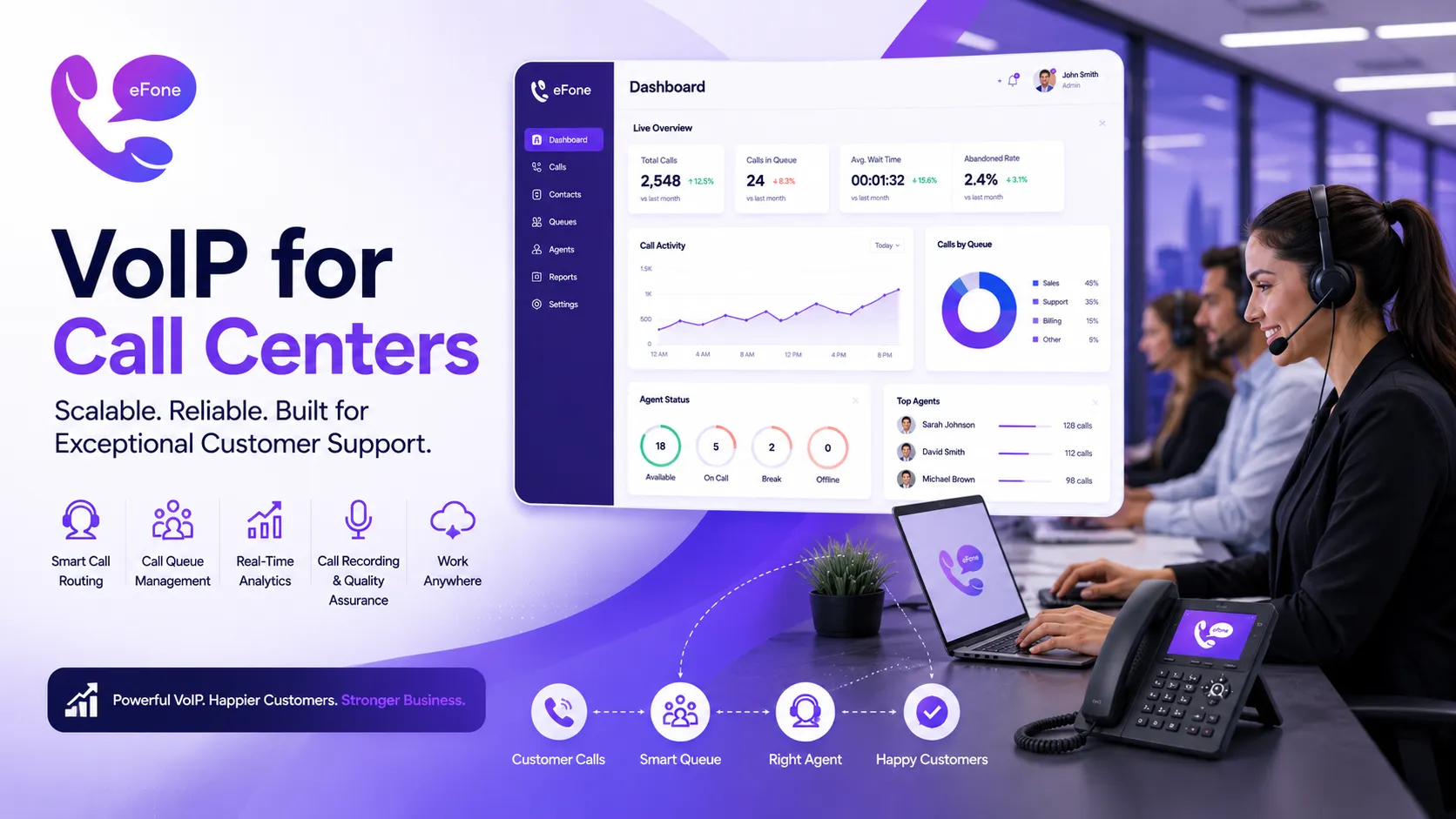
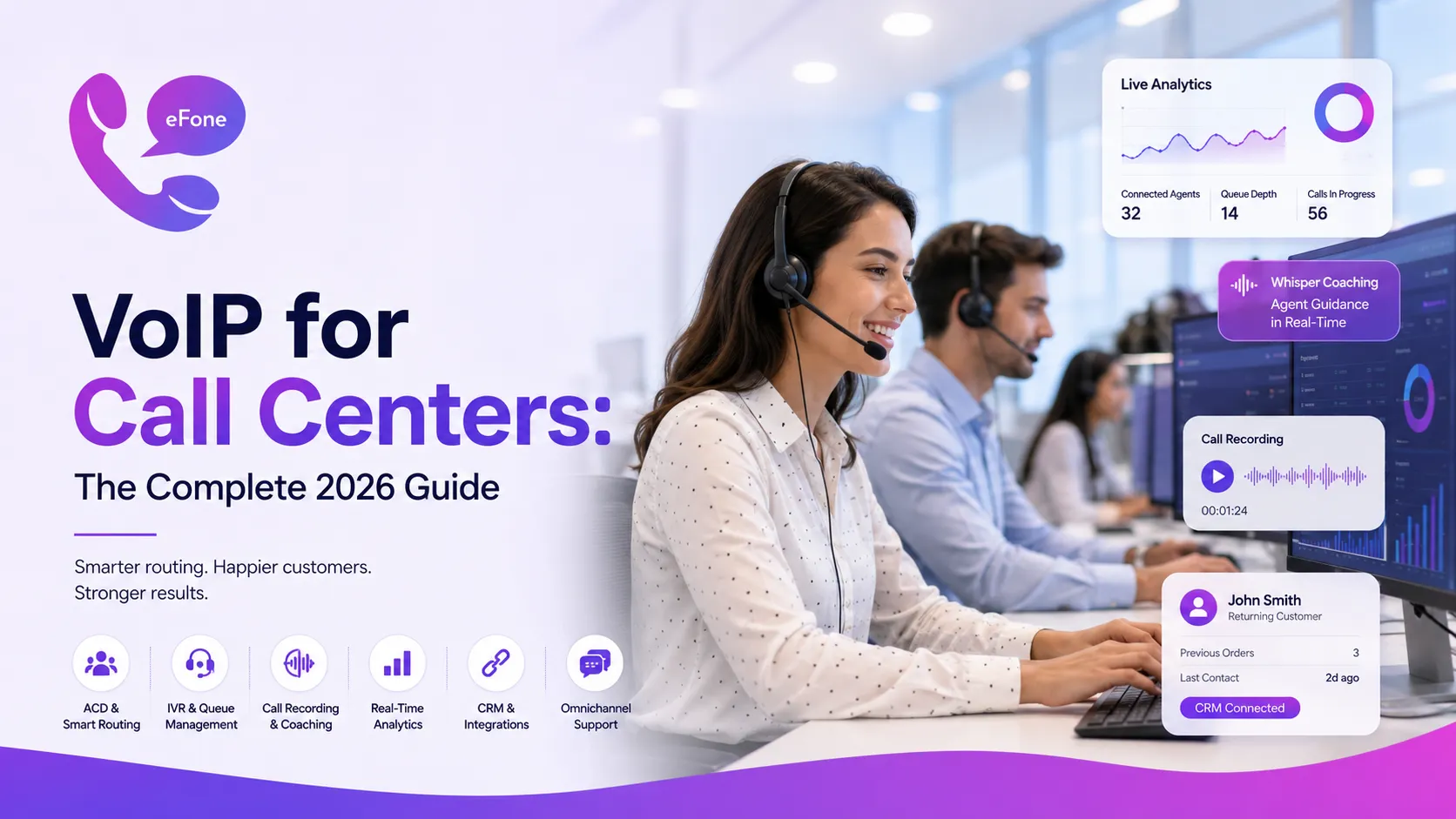
VoIP for Call Centers: The Complete 2026 Guide
VoIP for call centers explained: must-have features, pricing, and setup steps, plus how eFone helps teams route, record, and analyze every call.
VoIP for call centers replaces per-minute landline billing and on-site hardware with internet-based calling that includes routing, queuing, recording, and analytics built in. For most call centers, that means lower cost per seat, agents who can work from anywhere, and reporting that is actually usable instead of a stack of disconnected spreadsheets. This guide covers the features that separate a real call center system from basic business VoIP, what it costs, and how to set one up without disrupting live call volume.
VoIP vs. Basic Business VoIP: What Is Actually Different
Standard business VoIP handles calls, voicemail, and basic transfers, fine for a small office answering its own phone. A call center needs more: automatic call distribution (ACD) to route high call volumes by skill or availability, queue management so callers know their place in line, and supervisor tools like live listening and whisper coaching. Most call centers outgrow basic business VoIP within months once volume passes a few dozen calls a day, which is why dedicated call center features matter from day one rather than as a later upgrade.
Must-Have VoIP Features for Call Centers
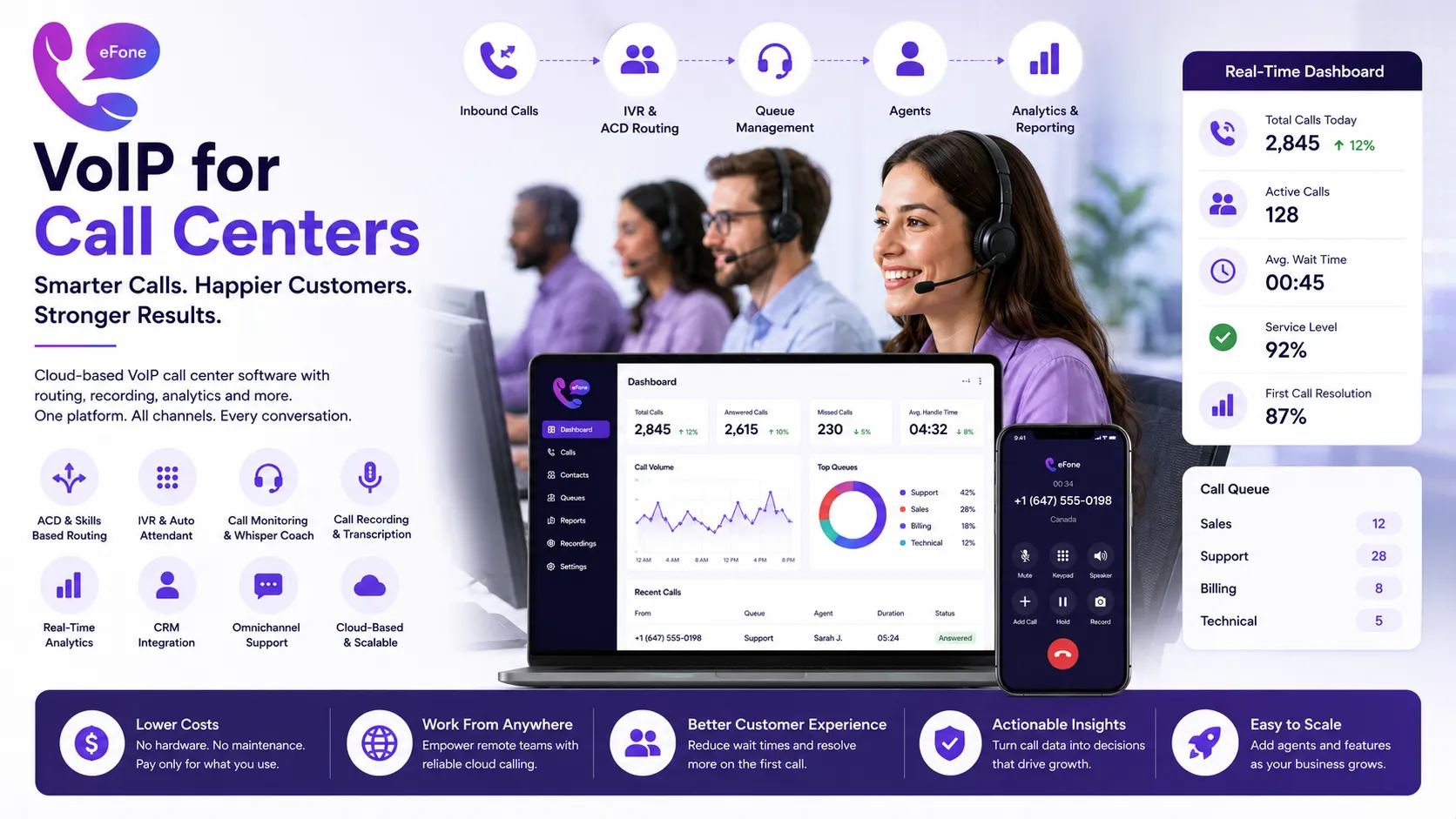
The features below are what separate a purpose-built call center platform from a basic business phone system:
Automatic Call Distribution (ACD) and Skills-Based Routing
ACD routes incoming calls to the right agent based on availability, skill set, language, or time of day, cutting down on internal transfers and reducing how long callers wait to reach someone useful.
Interactive Voice Response (IVR)
An IVR menu lets callers self-select the reason for their call before ever reaching a human, which speeds up routing and reduces the load on agents handling simple, repetitive questions.
Live Call Monitoring and Whisper Coaching
Supervisors can listen in on live calls and, in whisper mode, guide an agent through a tricky call without the caller hearing, useful for onboarding new agents or handling escalations.
Call Recording and Transcription
Recording supports training, quality control, and, in regulated industries like financial services, compliance requirements. AI-powered transcription now makes those recordings searchable and analyzable rather than just archived. See our call recording software guide for compliance and training use cases.
Real-Time Analytics Dashboards
Modern platforms show connected agents, queue depth, and call volume live, not just in an end-of-day report. Tracking metrics like average handle time and first-call resolution is what turns call data into operational decisions.
CRM Integration
Automatic call logging, screen pops with caller history, and click-to-dial save agents from manual data entry and give them full context before they even answer.
Omnichannel Support
Many contact centers now expect a single interface for voice, SMS, live chat, and email, so agents are not switching tools mid-conversation.
VoIP for Call Centers: What It Costs
| Tier | Typical Cost | Includes |
|---|---|---|
| Basic VoIP (not call-center-ready) | $15-$30/user/month | Calling, voicemail, basic transfers |
| Call center software | $30-$75/agent/month | ACD, IVR, queuing, call recording, basic analytics |
| Full CCaaS platform | $75-$175/agent/month | Omnichannel, advanced analytics, workforce management |
Cost per seat is not the whole picture. Cloud-hosted call center VoIP eliminates the on-site servers, dedicated hardware, and IT overhead that on-premise systems require, savings that often exceed the difference in per-seat pricing once you account for total cost of ownership.
Inbound vs. Outbound: Different Needs, Different Tools
Inbound-focused call centers (customer support, service desks) prioritize queue management, IVR, and first-call resolution reporting. Outbound-focused teams (sales, collections, appointment setting) need predictive or power dialers, voicemail-detection, and campaign-level reporting. Some platforms specialize in one direction; others handle both reasonably well. Know which describes most of your call volume before you shortlist providers.
How to Set Up VoIP for a Call Center
- Map your call flows first, define how inbound calls should route by department, skill, and time of day before you touch any software
- Confirm your internet capacity: a single call uses roughly 100 Kbps, so multiply by your maximum concurrent call count to size your bandwidth needs
- Set up your IVR and ACD rules, keep initial menus short; long IVR trees are a leading cause of caller frustration
- Connect your CRM, enable or configure the integration before go-live so agents have context from day one
- Run a pilot with a small group of agents, test call quality, screen pops, and reporting accuracy for one to two weeks before a full rollout
- Train supervisors on monitoring and coaching tools, live listening and whisper mode are only useful if managers know how to use them
- Review analytics weekly for the first month, early data reveals routing gaps and staffing mismatches faster than end-of-quarter reviews
Common Mistakes to Avoid
- Choosing a provider based on a feature checklist rather than testing the analytics dashboard, which is where many platforms quietly fall short
- Skipping the pilot phase and rolling out to all agents at once, which makes it hard to isolate the source of any early problems
- Underestimating bandwidth needs, especially for teams with 20+ concurrent calls
- Treating CRM integration as optional rather than core to the setup, bolting it on later usually means re-training agents twice
Where eFone Fits for Call Centers
eFone includes call routing, call recording, and CRM-friendly call logging as standard features rather than premium add-ons, so growing support and sales teams do not have to jump to an enterprise-tier plan just to get the basics right. You can see current plans on the pricing page.
Frequently Asked Questions
What is VoIP for call centers?+
VoIP for call centers is internet-based calling built with call-center-specific features like automatic call distribution, IVR, queue management, live monitoring, and analytics, rather than just basic calling and voicemail.
How much does VoIP cost for a call center?+
Call center-ready VoIP software typically costs $30 to $75 per agent per month, while full contact-center-as-a-service (CCaaS) platforms with omnichannel and advanced analytics run $75 to $175 per agent per month.
What is the difference between business VoIP and call center VoIP?+
Business VoIP handles calling, voicemail, and basic transfers. Call center VoIP adds ACD routing, IVR, queue management, live call monitoring, and reporting built for handling high call volumes.
Do I need a CRM integration for a call center phone system?+
It is not strictly required, but automatic call logging and screen pops save significant agent time and reduce data entry errors, making CRM integration one of the highest-value features for most call centers.
What is ACD in a VoIP call center?+
Automatic Call Distribution (ACD) routes incoming calls to the most appropriate available agent based on rules like skill, availability, or call priority, reducing internal transfers and wait times.
Can call center agents work remotely on VoIP?+
Yes. Cloud-based VoIP call center platforms let agents work from any location with a stable internet connection, using a laptop, softphone app, or compatible IP phone.
Is call recording required for call centers?+
It is not universally required, but many regulated industries, particularly financial services, mandate call recording for compliance. Even outside regulated industries, most call centers use it for training and quality control.
What internet speed do I need for a VoIP call center?+
Each concurrent call uses roughly 100 Kbps. A 20-agent call center handling calls simultaneously should budget for at least 2 to 3 Mbps dedicated to voice traffic, with more headroom for video or heavy data use.
What is the difference between a call center phone system and CCaaS?+
A call center phone system typically handles voice only. CCaaS (Contact Center as a Service) is broader, adding chat, email, and social media channels into one platform alongside voice.
How long does it take to set up a VoIP call center?+
Basic setup can be operational within a day for small teams, but a properly piloted rollout with call flow mapping, CRM integration, and agent training typically takes two to four weeks.
Can VoIP call centers integrate with WhatsApp or SMS?+
Many modern platforms support omnichannel messaging, including SMS and WhatsApp, alongside voice calls in a single agent interface.
What is the biggest mistake businesses make when switching to VoIP for a call center?+
Rolling out to the entire team at once without a pilot phase. Testing with a small group first makes it much easier to catch call quality or routing issues before they affect all customers.
The Bottom Line
VoIP for call centers is no longer a stripped-down version of business phone service, it is a purpose-built platform for routing, monitoring, and analyzing high call volumes at a fraction of the cost of legacy hardware. Choosing the right features up front, piloting before a full rollout, and integrating your CRM from day one are what separate a smooth migration from a rocky one. See eFone's plans on the pricing page to find the right fit for your team.
Ready to get your number?
Set up a business phone and help desk on one account, or grab a personal line to call home — usually in minutes.
Get started