Multi-Location Phone System: The Complete 2026 Setup Guide
See how a multi-location phone system works, what it costs, and how to set one up without dropped transfers or billing chaos.
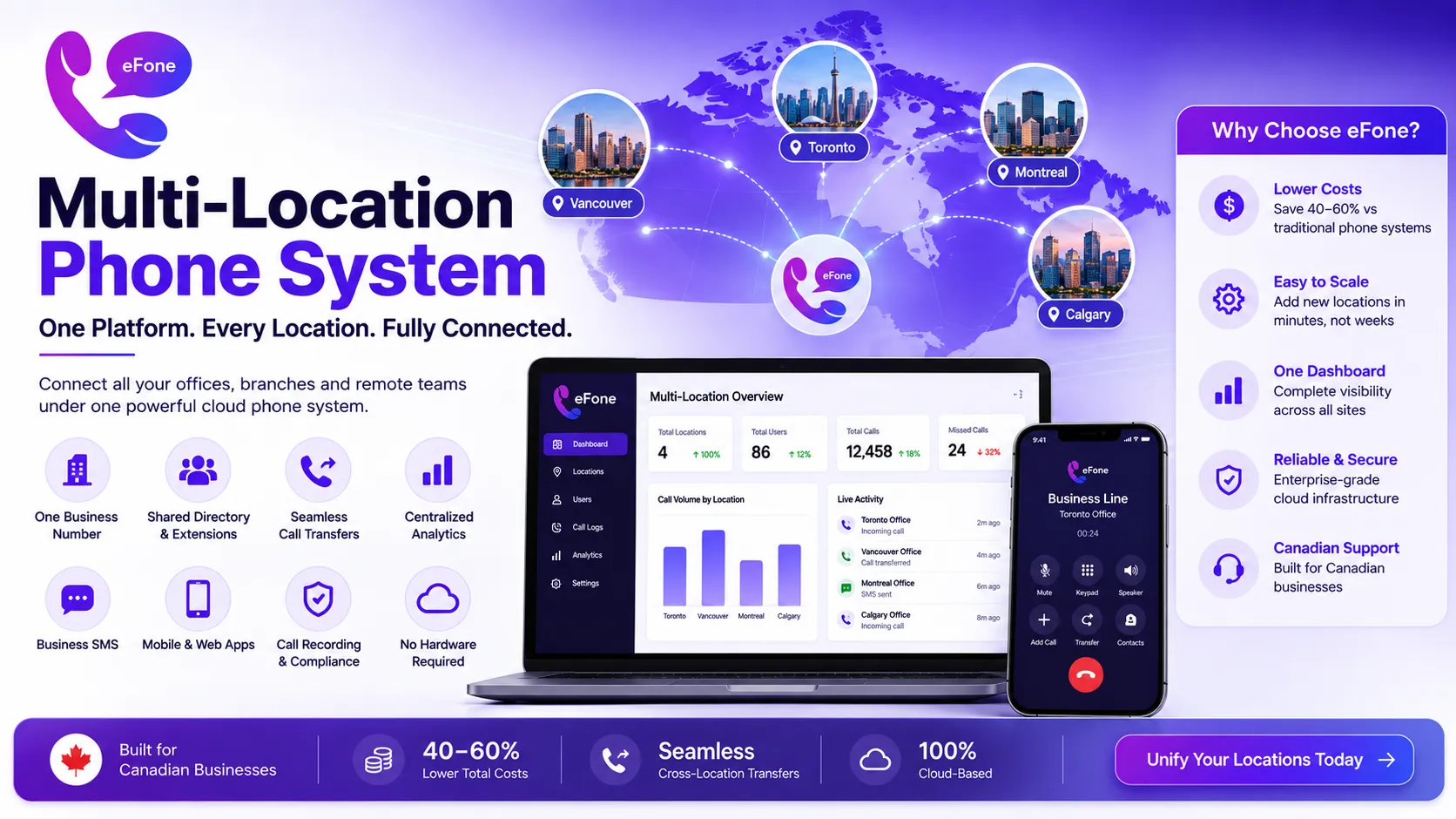
A multi-location phone system connects every office, branch, and remote worker under one platform with a shared directory, seamless call transfers, and centralized reporting, replacing the patchwork of separate phone lines, vendors, and invoices that most growing businesses accumulate one location at a time. Cloud-based systems have largely replaced on-premise PBX at each site, cutting costs by 40–60% while fixing the dropped transfers and directory chaos that come with running disconnected phone systems.
The Real Cost of Running Separate Phone Systems Per Location
Most multi-location businesses don't plan to end up fragmented. It happens one office at a time. A new location opens, someone signs up with whatever provider is convenient, and a year later there are three vendors, three invoices, and three sets of call routing rules that don't talk to each other. Here's what that actually costs:
- Duplicated hardware, a traditional on-premise PBX runs $500–$2,000 per user in upfront cost, with a 20-user system landing at $15,000–$40,000 fully installed. Multiply that across five locations and you're looking at $75,000–$200,000 before a single call is made.
- Annual maintenance typically 15–20% of hardware cost every year, resetting on each hardware refresh cycle (usually every 5–7 years).
- Billing chaos, different invoices, different contract terms, and per-line costs that rarely match what was originally quoted.
- Reporting fragmentation, no way to see total call volume, hold times, or missed calls across the business from one dashboard.
What Breaks First When You Add Locations
A phone system that works fine for one office often falls apart once a second or third location joins. The problems rarely show up in a sales demo:
- Call routing between locations becomes a daily failure point, transfers drop, hold music cuts out, callers hear silence before reconnecting.
- Directory management turns into a part-time job, every new hire, departure, or desk reassignment means touching multiple separate systems.
- Inconsistent customer experience, different locations answer differently, and customers notice.
- No shared record of customer conversations, a lead who calls one location and gets transferred to another loses all context along the way.
Cloud vs. On-Premise for Multi-Location Businesses
Cloud PBX eliminates the major upfront capital cost of purchasing and maintaining hardware at every office, replacing it with a subscription that scales as you add or remove locations. Adding a new site becomes a matter of provisioning it in a central portal rather than planning a multi-week installation.
| Factor | Cloud (Unified Platform) | On-Premise (Per-Location PBX) |
|---|---|---|
| Setup per new location | Provision in the admin portal, no site visit | Full hardware install and configuration |
| Cross-location transfers | Seamless, single directory | Often unreliable, manual workarounds |
| Reporting | Centralized dashboard across all sites | Separate reports per location, if any |
| Cost to add a location | Per-user subscription, no hardware | New hardware purchase each time |
| Vendor management | One vendor, one invoice | Often multiple vendors over time |
Must-Have Features for a Multi-Location Phone System
One main number, multiple routing options
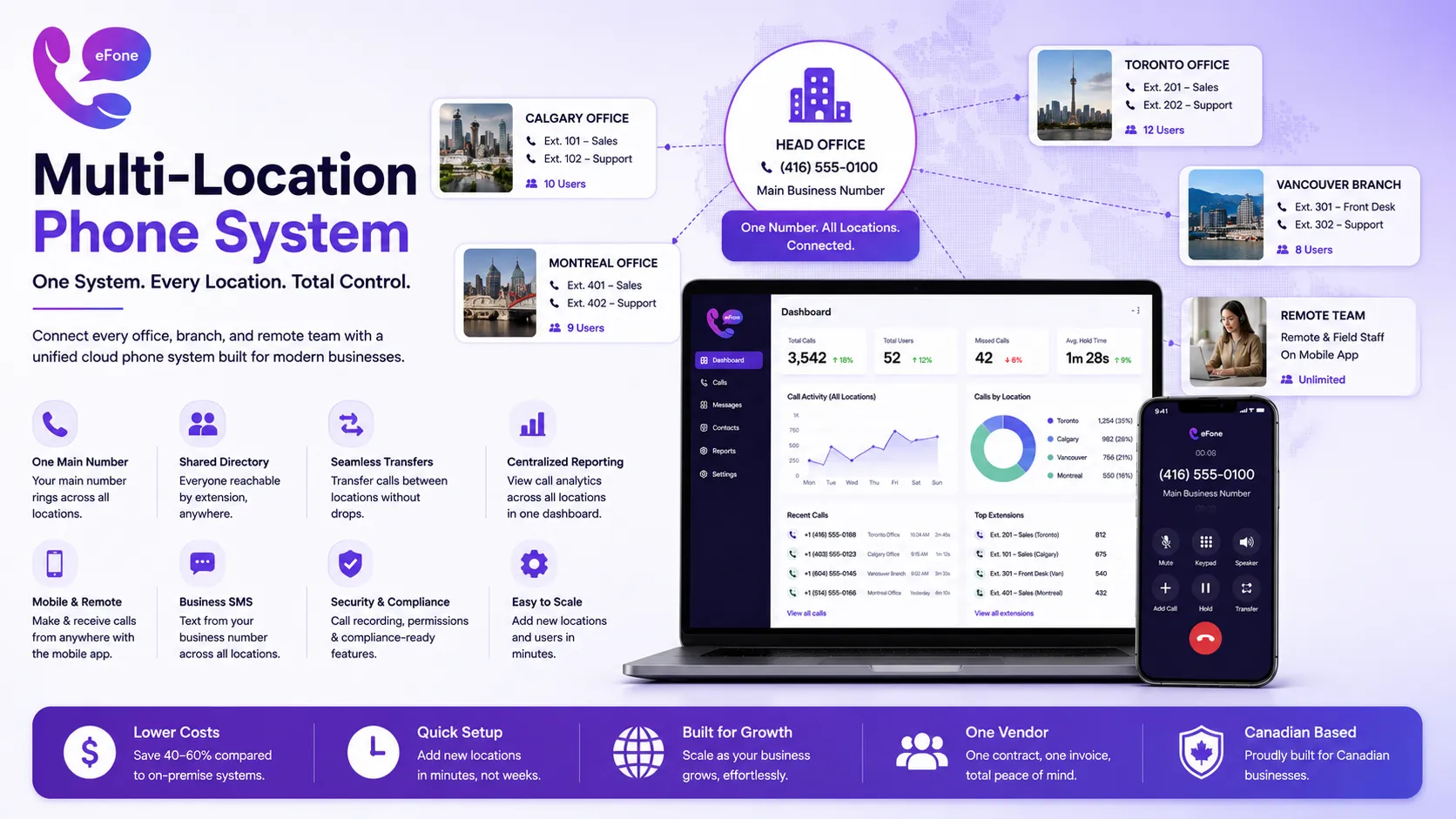
A single business number can ring across locations simultaneously or in a sequence you control, so callers reach someone rather than a dead end at one branch.
Shared directory and extensions
Every team member, in any office, working remotely, or in the field, gets an extension reachable from any other location without needing a direct line memorized.
Seamless call transfers between sites
Staff should be able to transfer a caller to another location as easily as transferring to a co-worker down the hall, without dropped calls or clunky access codes.
Centralized analytics
One dashboard showing call volume, missed calls, and hold times across every location, not a separate report per site that someone has to manually combine.
Business SMS and mobile apps
Field staff and remote workers need the same extension and business number on their mobile device as the front desk uses on a physical handset.
Compliance-ready call recording
Especially relevant for regulated multi-location businesses like healthcare practices, financial services, or law firms with multiple branches.
What a Multi-Location Phone System Costs
Cloud-based multi-location systems are typically priced per user, per month, the same pricing model as standard business VoIP, rather than per location. A 50-person business spread across five locations generally pays the same per-user rate as a 50-person single-office business, without the duplicated hardware or per-site licensing that inflates on-premise costs. Expect $15–$40 per user, per month depending on feature tier, with no separate hardware investment required for softphone-based setups.
How to Set Up a Multi-Location Phone System
- Audit every current phone line, vendor, and contract across all locations before choosing a new system.
- Define your call routing rules, how should the main number ring, and in what order, across locations?
- Confirm number porting for every existing location number in writing before signing with a new provider.
- Set up a shared directory so every employee, at every site, is reachable by extension.
- Pilot with one or two locations first, test cross-location transfers and reporting before a full rollout.
- Train front-desk staff at each location on the new transfer and routing process.
- Roll out to remaining locations once the pilot confirms call quality and routing work as expected.
Common Mistakes Multi-Location Businesses Make
- Rolling out to all locations simultaneously instead of piloting with one or two sites first.
- Not confirming number porting timelines in writing, risking service gaps during the transition.
- Underestimating internet bandwidth needs at smaller or older locations.
- Choosing a provider based on price alone without testing cross-location call transfers during a trial.
- Failing to train front-desk or reception staff on the new system before go-live, leading to a rocky first week.
Where eFone Fits for Multi-Location Businesses
eFone's cloud platform gives every location a shared directory, centralized reporting, and seamless cross-site transfers under one per-user price, no separate hardware purchase or vendor per office required. You can see current plans on the efone pricing page.
If you're weighing overall costs before consolidating, our guide to business phone system cost breaks down pricing by team size, and our remote work communication tools guide covers how to bring field and remote staff onto the same system as your offices.
The Bottom Line
A multi-location phone system fixes the routing chaos, billing sprawl, and reporting blind spots that come from running separate phone setups per office. Moving to one unified cloud platform typically costs less than maintaining fragmented on-premise systems and gives every location, and every remote or field worker, the same professional experience. Compare eFone's plans and pricing to see what a unified system would cost across your locations.
Frequently Asked Questions
What is a multi-location phone system?+
A multi-location phone system connects every office, branch, and remote worker under one unified platform, with a shared directory, seamless call transfers between sites, and centralized reporting.
How much does a multi-location phone system cost?+
Cloud-based systems are typically priced per user rather than per location, generally $15–$40 per user per month, with no separate hardware investment required for softphone-based setups.
Can I keep my existing phone numbers at each location when switching?+
Yes. Most providers support porting existing numbers from each location, though timelines and porting policies should be confirmed in writing before signing a contract.
How do calls transfer between locations on a unified system?+
With a shared directory and single platform, staff can transfer callers to another location's extension the same way they'd transfer to a co-worker in the same office, no access codes or dial-outs required.
Is cloud or on-premise better for multi-location businesses?+
Cloud systems are generally better for multi-location businesses because they eliminate duplicated hardware costs per site and centralize management, reporting, and billing into one platform.
How long does it take to set up a multi-location phone system?+
A single location can often be operational within a day, but a properly piloted multi-location rollout, including number porting and staff training, typically takes several weeks.
Do remote and field workers need special hardware for a multi-location system?+
No. Most cloud platforms provide a mobile app or softphone that gives remote and field staff the same extension and business number as in-office desk phones.
What happens if one location has weak internet?+
Call quality at that location will suffer regardless of the phone system chosen. It's worth testing bandwidth at every site before rollout and budgeting for connectivity upgrades where needed.
Can a multi-location phone system handle compliance requirements like call recording?+
Yes, most modern cloud platforms include call recording as a standard or add-on feature, which is often necessary for regulated multi-location businesses like healthcare or financial services.
How do I avoid a rocky rollout across multiple offices?+
Pilot the new system with one or two locations first, confirm number porting in writing, and train front-desk staff before expanding to the rest of your locations.
Can I add a new location later without a full system overhaul?+
Yes, on a cloud-based multi-location system, adding a new site is typically a matter of provisioning it through a central admin portal rather than installing new hardware.
Is a multi-location phone system only for large businesses?+
No. Businesses with as few as two locations benefit from unified routing and reporting, and the per-user pricing model means the cost scales with headcount rather than requiring an enterprise budget.
Ready to get your number?
Set up a business phone and help desk on one account, or grab a personal line to call home — usually in minutes.
Get started