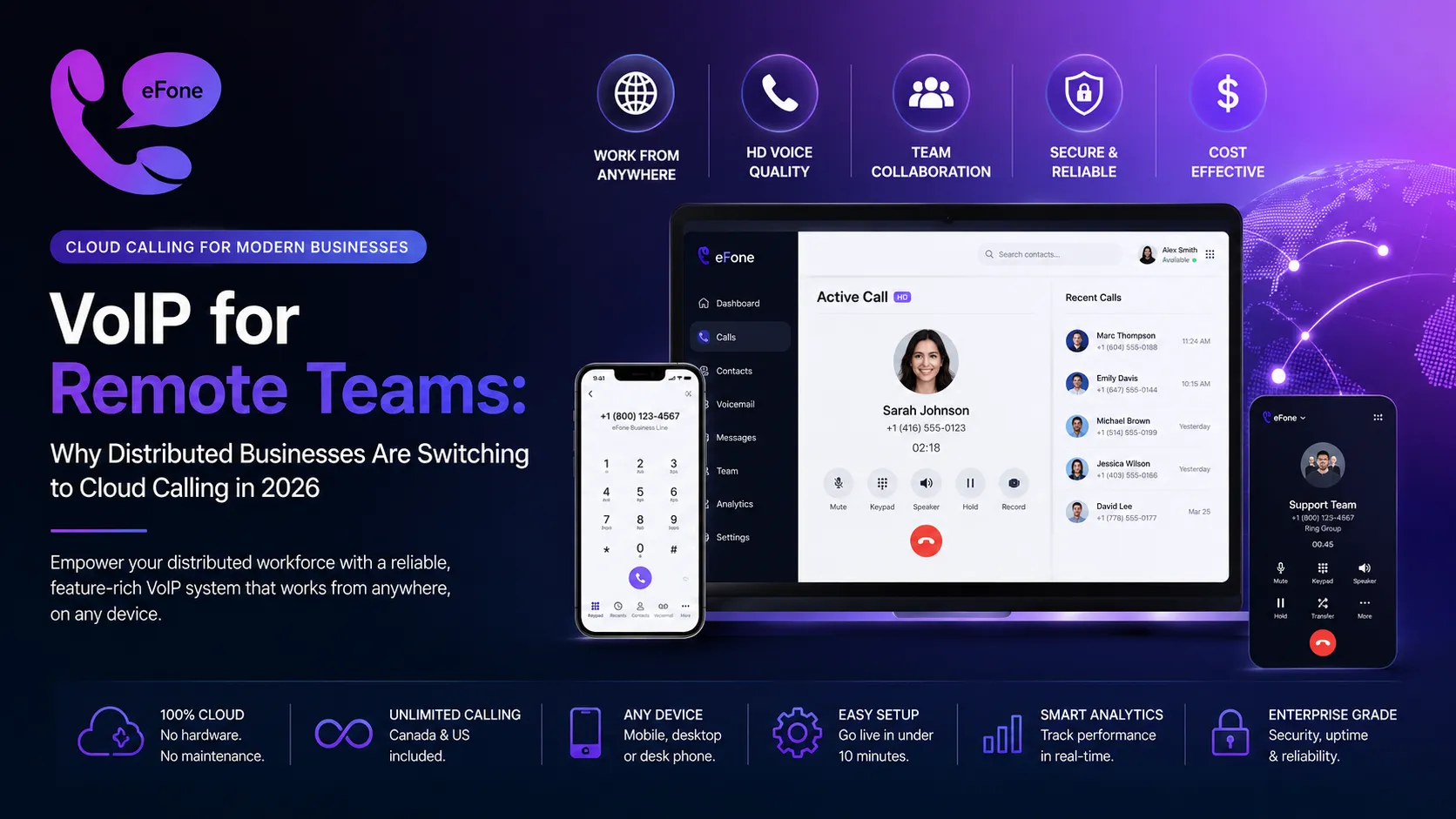
VoIP for Remote Teams: Best Cloud Calling Guide 2026
Discover how VoIP for remote teams cuts costs and boosts productivity. Unlimited calling, HD audio, CRM integration. Try eFone risk-free: cancel within 30 days.
Remote work isn't a temporary trend, it's the new operating model for businesses across Canada, the US, and the UK. And with distributed teams come distributed communication challenges: dropped calls, expensive phone plans, missed customer inquiries, and tools that don't talk to each other. The solution thousands of distributed businesses are turning to is VoIP for remote teams, a cloud-based calling system that works from anywhere, on any device, for a fraction of traditional phone costs.
This guide covers everything you need to know about VoIP for remote teams in 2026: how it works, what features matter most, how much it costs, and why remote-first companies that switch never go back to legacy phone systems. Whether you manage a 5-person startup or a 500-person enterprise, this is the infrastructure upgrade your business needs right now.
What Is VoIP for Remote Teams and How Does It Work?
VoIP stands for Voice over Internet Protocol, a technology that routes phone calls through your internet connection instead of traditional phone lines. Unlike landlines that require physical infrastructure at every office location, VoIP for remote teams operates entirely in the cloud. Your team members make and receive calls using a smartphone app, a laptop browser, or a desk phone, from their home office, a co-working space, or a hotel room abroad.
Here's what makes it fundamentally different from a standard business phone:
- Location-independent: it follows your employees, not a physical desk.
- Device-flexible: works on iPhone, Android, Mac, Windows, or desk phone.
- Team-unified: every remote worker shares one business number and extension system.
- Feature-rich: call recording, IVR, auto-attendant, and voicemail transcription included.
- Instant-scalable: add a remote worker to the system in under 60 seconds.
When you deploy it through a platform like eFone, every call goes through encrypted cloud infrastructure. Your remote workers have the same professional phone presence as if they were sitting in a central office, even when they're working from different cities or time zones.
Why Remote Teams Are Abandoning Landlines
Traditional phone systems were built for an era when everyone worked from the same building. Today's remote worker phone system needs are completely different. Remote teams need flexibility, mobility, and cost efficiency, none of which traditional landlines deliver.
Here's why cloud calling is replacing legacy phone infrastructure at every company size:
- Your team is scattered, your phone system shouldn't be. One account covers everyone, no separate plans for each city, no per-location hardware.
- Remote team communication tools need to integrate. Standalone phone systems that don't talk to Slack, HubSpot, or your CRM create bottlenecks. Calls log automatically, contacts sync, and everything works as a connected system.
- Cloud calling eliminates geographic pricing penalties. Legacy carriers charge more for long-distance calls between provinces or states. VoIP uses flat monthly pricing, unlimited US and Canada calling for one predictable rate.
- Remote workers need a professional phone number, not their personal cell. A dedicated business number stays with the company, not the employee, so private numbers stay private and there's no chaos when someone leaves.
- A virtual phone system for teams scales without contracts. Hiring 5 new remote workers? Add them instantly. Downsizing? Remove users the same day. No hardware, no contracts, no vendor calls.
Top Features to Look for in VoIP for Remote Teams
Not all solutions are equal. When evaluating platforms for your distributed business, prioritize these features:
| Feature | Why It Matters for Remote Teams | In eFone? |
|---|---|---|
| Mobile & web app | Remote workers call from phone or laptop without desk phones | Yes |
| Unlimited US & Canada calling | Flat-rate calling eliminates per-minute bills for distributed teams | Yes |
| Auto-attendant / IVR | Routes customer calls professionally even across time zones | Yes |
| Call recording & transcription | Managers review calls for QA without being on the call | Yes |
| Voicemail-to-email | Remote workers never miss a voicemail, it lands in their inbox | Yes |
| CRM integration | Click-to-dial and call logging sync with Salesforce, HubSpot, Pipedrive | Yes |
| Ring groups | Incoming calls ring multiple remote workers at once or in sequence | Yes |
| Virtual phone numbers | Local numbers in Canada, US, and UK for a professional presence anywhere | Yes |
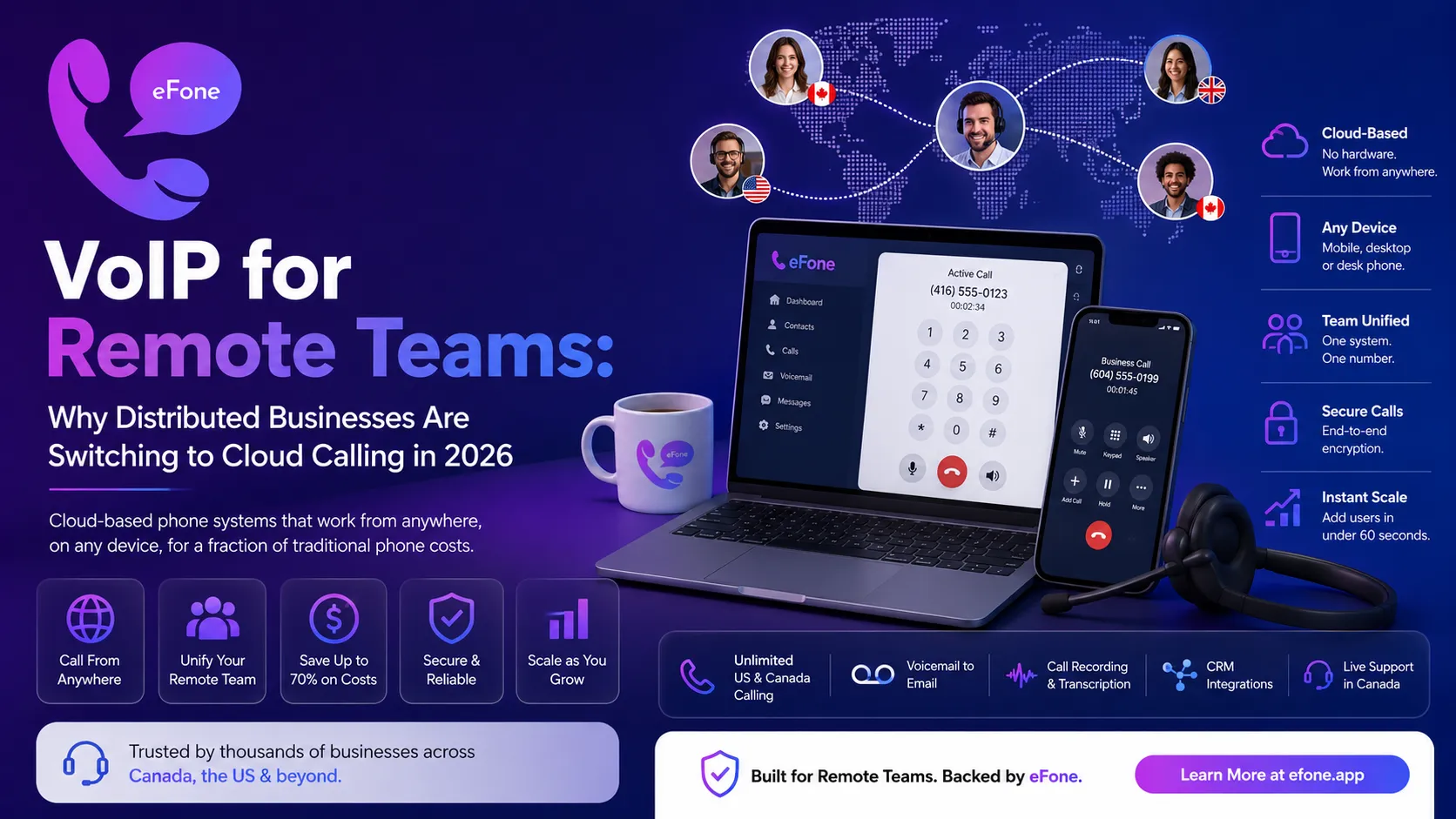
eFone includes all of these features in every plan, not as paid add-ons. Explore the full feature set to see every capability included in your subscription.
VoIP for Remote Teams vs. Traditional Phone Systems
Let's put the numbers side by side for a 20-person remote team:
| Cost Factor | VoIP for Remote Teams (eFone) | Traditional Landline / PBX |
|---|---|---|
| Setup cost | $0, cloud-based, instant activation | $5,000 to $10,000+ hardware & installation |
| Monthly base cost | 20 users times $35 = $700/month | $800 to $1,500/month base |
| Long-distance calls | Included, unlimited US & Canada | $0.10 to $0.25/minute premium |
| International calls | Low flat rates per destination | $0.30 to $1.00+/minute |
| Remote worker setup | $0, download the app | $300 to $600 per additional handset |
| Maintenance | $0, cloud updates automatically | $150 to $300/month IT + vendor fees |
Annual savings for a 20-person remote team using eFone can reach $8,000 to $18,000+. For larger distributed organizations, eFone's enterprise plan provides dedicated account management, custom routing, and SLA-backed uptime guarantees.
How Business VoIP Canada Serves Remote Teams
For Canadian businesses with remote teams, or US businesses with Canadian remote workers, business VoIP Canada provides a specific advantage: Canadian phone numbers, Canadian carrier infrastructure, and pricing in CAD without currency conversion markups.
With eFone, your remote team gets:
- Local area code numbers across every Canadian province.
- Unlimited calling between Canada and the US, remote workers call across the border freely.
- CRTC-compliant infrastructure built for the Canadian market.
- A Canadian customer support team who understand your business context.
- Transparent CAD billing with no hidden currency conversion fees.
It's especially valuable for companies with remote teams split between Canadian provinces. A team member in Toronto, another in Vancouver, and a third in Halifax all share the same account, same company number, same features, same call quality. No per-location costs, no provincial billing complications. eFone is a Canadian-built platform, with every feature designed around the North American remote workforce.
Setting Up VoIP for Remote Teams: Step by Step
Getting live is significantly easier than deploying traditional phone systems. Here's the complete setup process:
Step 1: Sign Up for a Free Trial
Create your account. No credit card required. You'll have a working system in under 10 minutes.
Step 2: Choose Your Numbers
Select virtual phone numbers for your team. Pick local Canadian or US area codes to maintain a professional, local presence wherever your remote workers operate. You can have multiple numbers for different departments.
Step 3: Invite Your Remote Team
Add each remote worker to your account. They receive an email invite, download the eFone app (iOS or Android), and are immediately live on your business phone system. Setup takes each person about 3 minutes.
Step 4: Configure Call Routing
Set up your auto-attendant greeting, ring groups (for your sales or support team), and voicemail settings. Your routing rules ensure every incoming call reaches the right person, regardless of where they're located.
Step 5: Integrate Your Tools
Connect eFone to Salesforce, HubSpot, Zapier, or your existing CRM. This turns the system into a fully integrated communication hub: calls log automatically, contacts sync, and your remote team communication tools work together.
Step 6: Port Existing Numbers (Optional)
Already have a business number your customers know? Free number porting transfers it to eFone within 1 to 3 business days. Zero downtime, no disruption.
Why HD Audio and Reliability Matter
One concern businesses have before switching is call quality. Will cloud calling sound as clear as a landline? The answer, with a reliable internet connection, is yes, often better.
Cloud calling uses HD Voice codecs (like Opus and G.722) that deliver clearer audio than traditional PSTN lines. Your remote workers aren't hearing compressed, degraded audio, they're hearing wideband, noise-reduced calls that sound like the person is in the same room.
eFone's platform uses carrier-grade infrastructure with:
- 99.9% uptime SLA, your phone system stays up even during ISP issues.
- Automatic failover to cellular, if a remote worker's internet drops, calls reroute to mobile.
- End-to-end encryption, every call is encrypted in transit.
- Global points of presence, calls route through the nearest server for minimum latency.
For teams relying on cloud calling every day, this means no dropped calls, no jitter, and no quality complaints from clients.
Why Businesses Trust eFone
eFone has been serving Canadian and North American businesses with cloud calling since its founding. Here's the evidence behind the product:
- Canadian-built product designed by a team that understands North American remote work culture.
- Thousands of active business users across Canada, the US, and international markets.
- Transparent pricing with no hidden fees.
- CRTC-compliant infrastructure and a clear privacy policy.
- Dedicated business support.
- Enterprise-grade solutions for larger remote teams.
Unlike generic VoIP providers built for US markets, eFone is built by Canadians for Canadian and North American remote teams. That means local area codes, local compliance, local support, and a product roadmap driven by how Canadian businesses actually communicate.
FAQ: VoIP for Remote Teams
How many remote workers can I add?+
eFone supports teams from 1 user to 10,000+. Start small, scale instantly. Every plan lets you add or remove users month-to-month.
Do remote workers need special equipment?+
No. It works on any internet-connected device. Your remote workers download the eFone app on iPhone or Android, or access the web phone from a browser. No desk phones required.
How does it handle time zones?+
You configure business hours and call routing rules per team or department. After-hours calls route to voicemail or an on-call remote worker, so time zones are handled automatically.
Is it secure for sensitive business calls?+
Yes. eFone uses end-to-end encryption for all calls and messages. The platform is HIPAA-compatible for healthcare remote teams and GDPR-aware for international use.
Can I get a Canadian local number for each remote worker?+
Absolutely. Business VoIP Canada from eFone lets each remote worker have their own local Canadian number or extension.
What's the minimum internet speed needed?+
You need a minimum of 2.5 Mbps upload/download per active call. Most Canadian and US home internet connections easily support 5 to 10 simultaneous calls.
The Bottom Line: VoIP for Remote Teams Is the Future of Distributed Work
Remote work isn't going anywhere. And neither is the need for reliable, affordable, professional business communication. VoIP for remote teams solves the exact problems distributed companies face: scattered teams, high phone bills, clunky tools, and poor call quality.
With eFone, your distributed workforce gets a professional phone system that works from anywhere, on any device, with enterprise features at a fraction of legacy costs. No hardware, no long contracts, and no per-minute surprises. Your remote team communication tools all connect in one place.
Get started. No credit card required. Get your virtual phone system for teams live in 10 minutes, and see why thousands of remote-first businesses trust eFone as their business communication backbone.
Ready to get your number?
Set up a business phone and help desk on one account, or grab a personal line to call home — usually in minutes.
Get started