Mobile VoIP Guide: Cheaper Calls With eFone in 2025
Learn how mobile VoIP works, compare call rates, and discover why eFone is the best app for cheap international calls from Canada and the US.
My uncle used to call Pakistan from Toronto almost every day. His phone bill was ridiculous, easily $80 to $100 a month. Then someone told him about mobile VoIP. He downloaded an app, topped up $10, and made the same calls for the next three weeks.
That's not a sales pitch. That's just how mobile VoIP works.
If you're still paying carrier rates for international calls, you're leaving a lot of money on the table. This guide explains what mobile VoIP is, how it actually works, and why eFone stands out as one of the best options available right now, especially if you're calling from the US or Canada.
What Is Mobile VoIP, Really?
Let's keep it simple. VoIP stands for Voice over Internet Protocol. It means your voice travels over the internet instead of a phone company's network.
Mobile VoIP is the same thing, but on your smartphone. You use your Wi-Fi or mobile data to make calls. No sim swap. No new number (unless you want one). Just download an app and start calling.
The reason it's so cheap is straightforward. Traditional phone companies own massive physical networks, towers, cables, switches. They charge you to use them. Internet-based calls skip most of that infrastructure. So the cost drops dramatically.
In addition, modern VoIP apps now support HD voice quality, SMS, voicemail, call forwarding, and even video, all in one place. It's not a compromise. It's actually better than what most phone carriers offer.
How Mobile VoIP Works (The Non-Technical Version)
When you speak into your phone on a VoIP call, your voice gets broken into tiny digital chunks called packets. Those packets zip across the internet to the other person. Their device reassembles the packets back into sound, and they hear you clearly.
The whole thing happens so fast you don't notice it at all.
However, one thing does matter: your internet connection. A strong 4G, 5G, or Wi-Fi signal means a crystal-clear call. A weak or unstable connection can cause a slight delay or a choppy sound. That's the only real variable.
Good VoIP apps handle this well. They use smart compression and adaptive codecs to keep calls stable even on slower connections. So in most real-world situations, the call quality is excellent.
What Makes a Good Mobile VoIP App?
Not every VoIP app deserves your trust. Some have terrible call quality. Others pile on hidden fees or expire your credit in 30 days. A few are just outdated and clunky.
Here's what to look for before downloading anything:
- HD audio quality. If calls sound like they're going through a tin can, move on. Crystal-clear voice should be standard in 2025.
- Honest call rates. Good services show you the rate per minute before you dial, no surprises on your bill.
- A clean, easy dialer. A VoIP mobile dialer should feel natural. If you can't figure out how to make a call in 30 seconds, the app isn't well designed.
- Flexible recharge options. Top up by card, PayPal, or digital wallet. No friction. No minimum amounts that feel unreasonable.
- Cross-platform support. The best apps work on both Android and iOS so you can switch devices without losing anything.
- A web version. Some people prefer calling from a browser at their desk. A good service supports that too.
- Business features. If you're a freelancer or run a small team, extensions, call routing, and voicemail management matter.
eFone ticks all of these. But let's get into the specifics of what it actually offers.
eFone: What It Is and Why It's Different
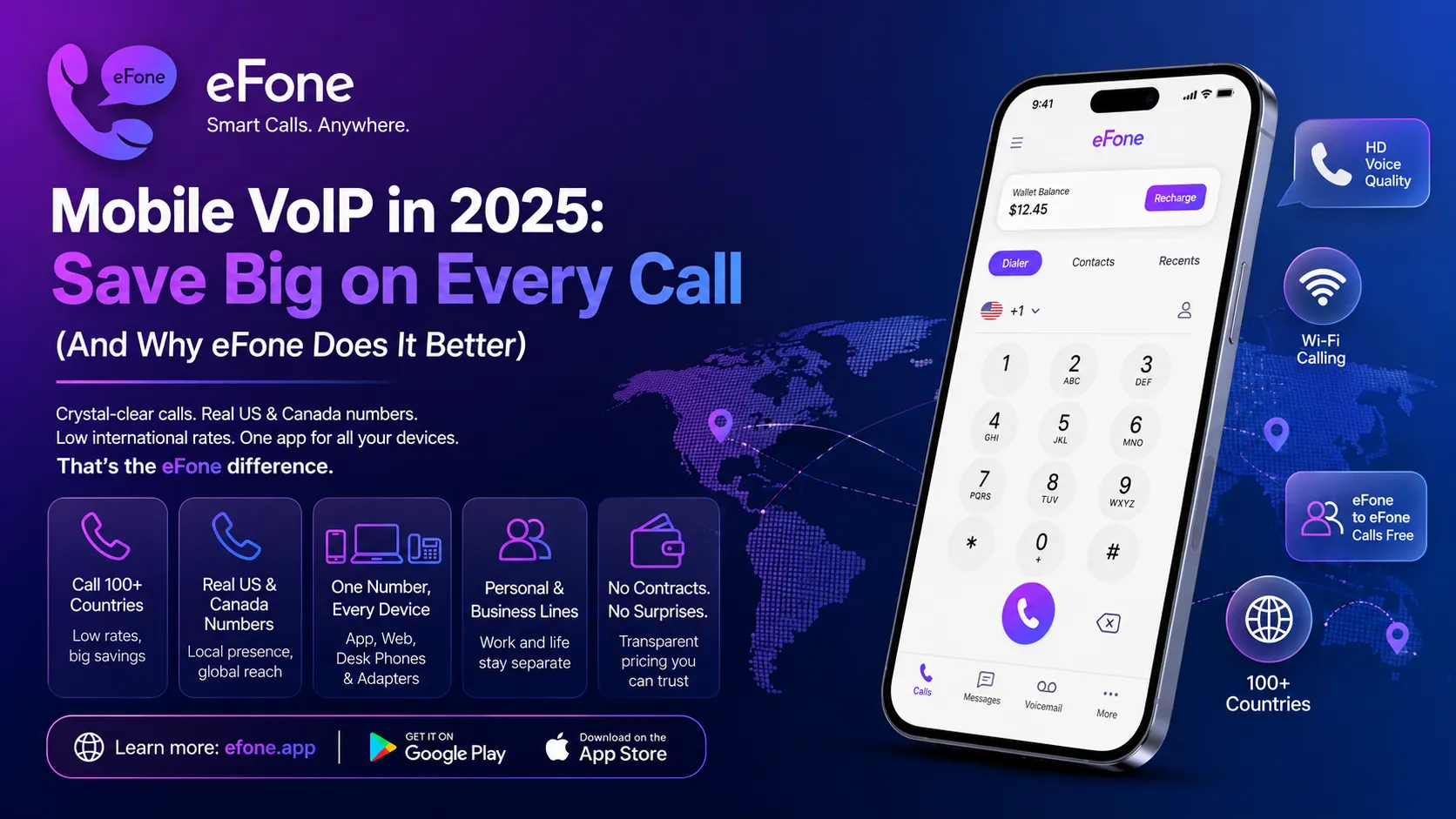
eFone is a Canadian VoIP service built for both personal users and businesses. It's live in the US and Canada, and it lets you call over 100 countries at low rates.
What makes it stand out from the crowd? A few things.
You Get a Real US or Canada Number
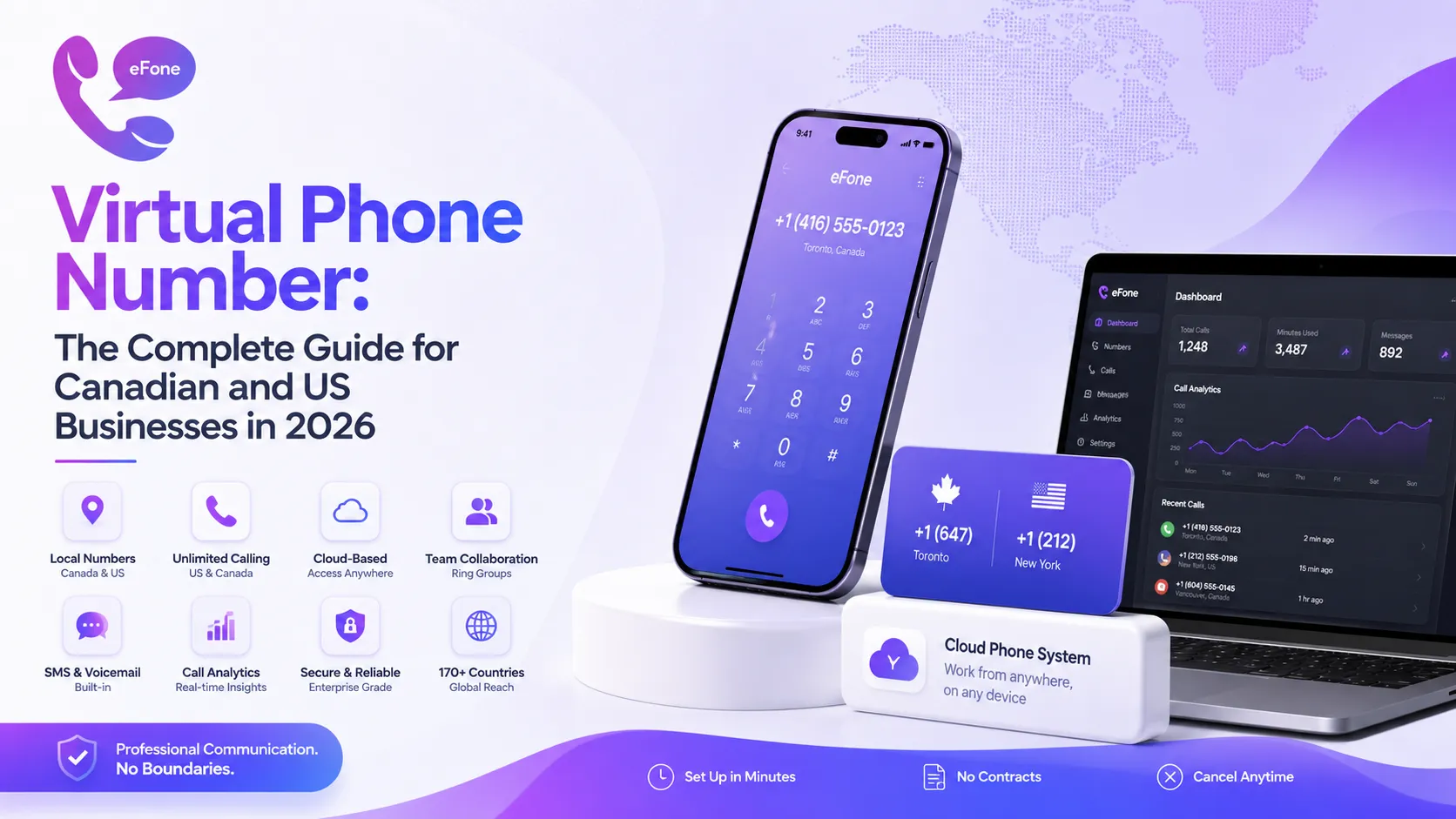
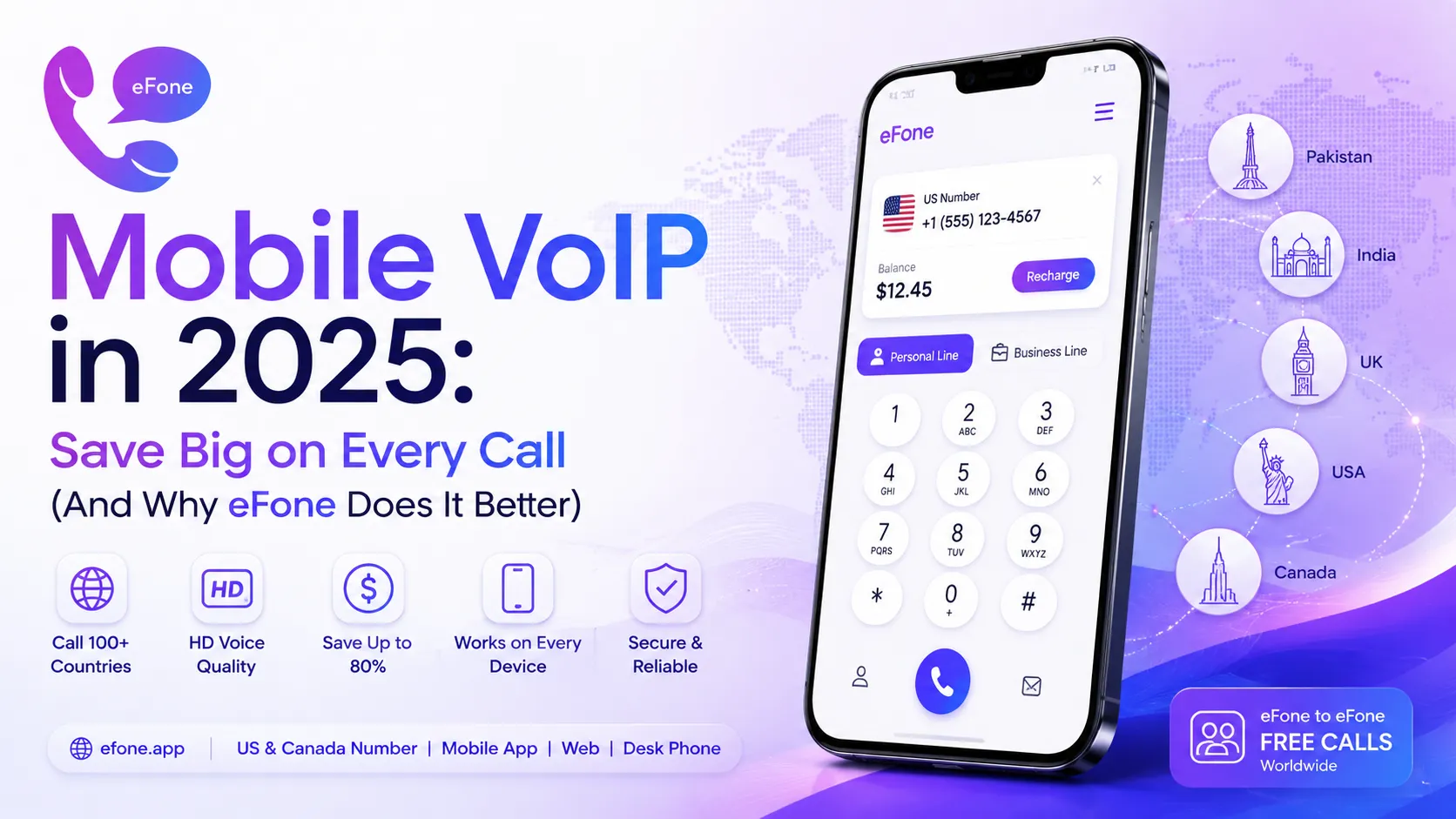
Most VoIP apps just let you dial out. eFone gives you an actual US or Canada number that people can call you on. It rings on your phone, your browser, or even a physical desk phone, same number, everywhere.
That's a big deal if you're an expat, a remote worker, or anyone who needs a local number without a local SIM card.
eFone-to-eFone Calls Are Free
Calling another eFone user costs nothing. Zero. That's a genuine benefit if your family or team is all on the same app.
It Works on Every Device You Own
This is where eFone is genuinely different. Most VoIP apps are phone-only. eFone works across:
- iPhone and Android, the full mobile app
- Any web browser, no install, just log in and call
- Physical desk phones, for offices or home landline replacement
- Home phone adapters, plug in your existing analog phone
So if you're at your desk, you call from the browser. On the go, you use the app. Visiting a relative with a desk phone? eFone handles that too. One number, every device.
Personal and Business Lines in One App
This is genuinely useful. eFone lets you run a personal line and a business line inside the same app, on the same login. Work calls and personal calls stay completely separate, different inboxes, different contacts, different voicemails. After business hours, your business line goes quiet automatically and sends calls to voicemail. Your evenings stay yours.
Most providers make you pick personal or business. With eFone, you don't have to choose.
No Contracts, No Surprises
Personal numbers start from $1.99/month. Business plans are $35/user/month with one free number included. Pay-as-you-go international rates apply on top, and you can see every country's rate before you commit to anything.
No long-term contracts. No hidden charges. No tricks.
Mobile VoIP Call Rates: What You Actually Pay
Mobile VoIP call rates are charged per minute to regular phone numbers (landlines and mobile). The rate depends on the destination country.
From the US or Canada, calling South Asia or the Middle East on eFone runs at a few cents per minute, far below what any carrier charges. Calls within the US and Canada are extremely cheap too.
Here's what affects the rate:
- Destination. Some countries have higher termination costs than others.
- Number type. Calling a mobile number sometimes costs a little more than a landline.
- eFone-to-eFone. Always free, regardless of destination.
The key thing to remember: always check the rate card before you dial. eFone publishes its rates at efone.app/rates, no hunting around required.
How to Use Mobile VoIP on eFone: Step by Step
Setting up eFone takes about five minutes. Here's exactly how.
Step 1: Download the App
For Android: search "eFone" on Google Play, or find the mobile VoIP APK directly at efone.app if you prefer manual installation.
For iPhone: search "eFone" on the Apple App Store. The mobile VoIP iOS app supports iPhones and iPads running iOS 13 or later.
Both apps are free to download.
Step 2: Create Your Account
Open the app and tap Sign Up. Enter your phone number or email. A one-time verification code arrives by SMS. Enter it and you're in.
Step 3: Mobile VoIP Login
After setting your password, your mobile VoIP login saves automatically. Biometric login (Face ID or fingerprint) is supported for faster daily access.
Step 4: Pick Your Number
eFone lets you choose a US or Canada number during setup. Local numbers, toll-free numbers, vanity numbers, and second line numbers are all available.
Step 5: Mobile VoIP Recharge
Before calling regular numbers, add credit to your account. Go to the Wallet section in the app. Choose an amount, pick your payment method (card, PayPal, etc.), and confirm. Your balance updates instantly.
eFone also sends low-balance alerts, so you don't get cut off mid-call.
Step 6: Make Your First Call
Open the dialer. Enter the number with the country code. Tap call. Done.
Contacts sync across devices, so your address book is always with you, on the app, on the web phone, or on a desk phone.
Mobile VoIP for Android
The eFone Android app runs smoothly on a wide range of devices, from older budget phones to the latest flagships. It's available on Google Play and also as a direct mobile VoIP APK download from efone.app.
The APK option is useful in regions with app store restrictions. However, always download from the official eFone website, never from third-party APK sites.
Key things the Android app does:
- Make and receive calls over Wi-Fi or mobile data
- Send and receive SMS/MMS
- Manage voicemail visually
- Switch between personal and business lines
- Support for call recording
Mobile VoIP for iOS
The mobile VoIP iOS version on the App Store is fully featured, identical to the Android experience. It supports iPhones, iPads, and runs on iOS 13 and above.
iPhone users benefit from native iOS features like CallKit integration, which means eFone calls show up in your regular call interface, just like a normal phone call would. No confusing workarounds.
Mobile VoIP APK: Manual Installation Guide
If you want to install the eFone app manually on Android using the APK, here's how:
- Open your phone's browser and go to efone.app
- Find the APK download link on the homepage
- Before installing, go to Settings then Security and enable "Install from unknown sources"
- Open the downloaded APK file
- Follow the on-screen installation steps
- Open eFone, sign up or log in, and you're ready to call
This method works well in regions where Google Play has restrictions. Just make sure you only download from efone.app directly.
Mobile VoIP Recharge: Keeping Your Balance Topped Up
The mobile VoIP recharge process on eFone is designed to be friction-free.
Open the app, go to Wallet, choose your top-up amount, pay, done.
Accepted payment methods include credit cards, debit cards, and PayPal. Your balance reflects immediately after payment.
Furthermore, eFone doesn't have aggressive expiry policies on credit. You're not constantly racing a 30-day countdown on your balance.
Free Calls on Mobile VoIP: When It Actually Happens
The words "free calls" get thrown around a lot in the VoIP world. Here's the honest version.
Genuinely free
- Calling another eFone user, always free, anywhere in the world
- Calls over Wi-Fi within the app's network
Very cheap (not free but close)
- International calls to regular numbers, a few cents per minute, depending on the country
How to get extra free credit
- eFone occasionally runs promotional offers
- Referral bonuses when you invite friends
The takeaway: mobile VoIP free calls are real when you're calling within the eFone network. For calls outside the network, you'll pay, but at rates that will make your old phone bill look embarrassing.
Mobile VoIP Canada: Why It Makes Perfect Sense
Canada has some of the most expensive mobile plans in the world. That's well documented. However, VoIP calls sidestep carrier charges almost entirely.
You're using data you already pay for. The calls themselves cost almost nothing on top.
For Canada's large South Asian, Filipino, Middle Eastern, and Caribbean communities, international calls home happen daily. eFone is built with exactly this use case in mind. It offers competitive rates to Pakistan, India, Bangladesh, the Philippines, and 100+ other countries.
Cities like Toronto, Vancouver, Calgary, and Ottawa have massive diaspora communities. These are exactly the people who benefit most from switching to a mobile VoIP Canada service like eFone.
And since eFone is a Canadian company, support and billing are local. That matters when something goes wrong.
eFone for Business: More Than Just Cheap Calls
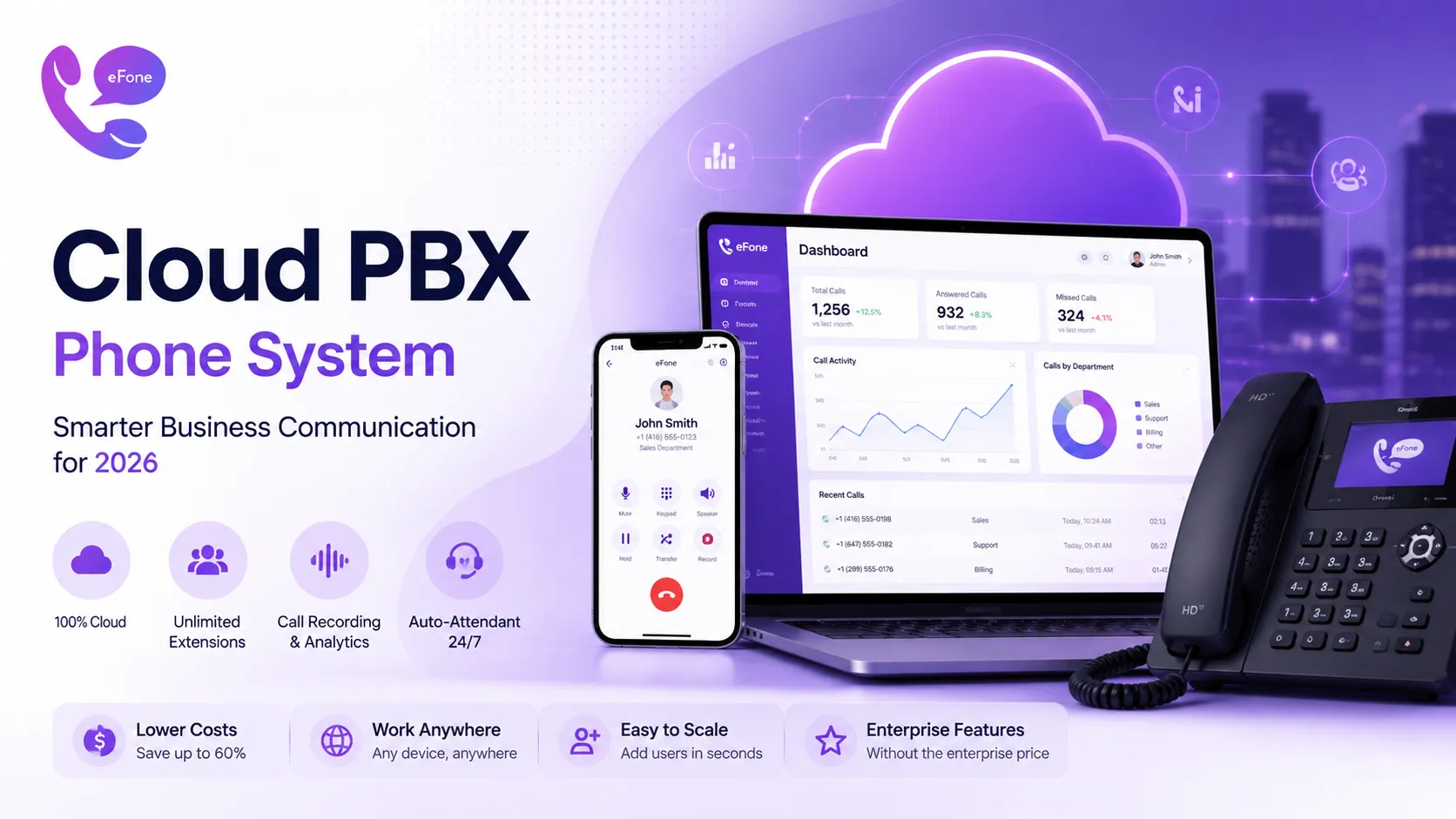
eFone isn't just a personal calling app. It's a full cloud phone system.
For small businesses and remote teams, it includes:
- Extensions and departments. Route calls to the right team member automatically
- Auto-attendant. A professional greeting that routes callers without a receptionist
- Call queues. Handle multiple incoming calls without missing anyone
- Live call monitoring. Managers can listen in or join calls in real time
- Voicemail to email. Get voicemail transcriptions delivered to your inbox
- Call recording. Useful for training, compliance, or just keeping records
- Help desk integration. Auto-create tickets from support calls
All of this runs on the same login as your personal line. You don't need a separate business account.
Business plans start at $35/user/month with one free number per user. Business plans carry a 30-day cancel guarantee.
Benefits of Mobile VoIP at a Glance
Here's why mobile VoIP beats traditional calling in almost every way:
- Massively lower costs. International calls go from dollars per minute to cents.
- Works anywhere. Hotel Wi-Fi in Dubai, home broadband in Toronto, 4G data on the subway, it all works the same.
- No new phone needed. Your current smartphone handles everything.
- One number, every device. Take calls on your phone, browser, or desk phone without missing anything.
- Professional features for free or cheap. Voicemail, call forwarding, extensions, these used to cost a lot. On VoIP they come standard.
- No contracts. Pay monthly. Cancel anytime. No traps.
- Eco-friendly by default. Digital infrastructure has a lighter footprint than traditional phone networks.
Frequently Asked Questions
What is mobile VoIP used for?+
Mobile VoIP is mainly used to make affordable voice calls over the internet, especially international calls. It's also used for SMS, video calls, voicemail, and running business phone systems. Expats, travelers, and remote workers use it daily.
Is mobile VoIP free?+
Calls between users on the same VoIP network are typically free. eFone-to-eFone calls, for example, cost nothing. Calling regular phone numbers (outside the network) costs a small per-minute fee. Still far cheaper than any carrier plan.
How do I use VoIP on mobile?+
Download a VoIP app like eFone. Create an account. Add some credit. Open the dialer, enter the number you want to call (with country code), and tap call. All you need is a Wi-Fi or data connection.
Is mobile VoIP legal in Canada?+
Yes, completely legal. The CRTC (Canadian Radio-television and Telecommunications Commission) permits VoIP services in Canada. eFone is a Canadian company operating fully within Canadian regulations.
Which is the best mobile VoIP app?+
It depends on your needs. For affordable international calls with a real Canadian or US number, multi-device support, and both personal and business features in one app, eFone is one of the strongest options available right now. It's honest about pricing and doesn't lock you into contracts.
The Bottom Line
Mobile VoIP has quietly become one of the most practical communication tools available. It's cheaper than traditional calling, works on every device you already own, and doesn't require any technical knowledge to use.
eFone takes the best parts of mobile VoIP and builds them into something genuinely well designed. You get a real US or Canada number. Free calls to other eFone users. Low international rates to 100+ countries. A web phone for your browser. A full business phone system if you need it. All on one account, with no contracts.
The setup takes five minutes. The savings start immediately. Try eFone risk-free: cancel within 30 days.
Ready to get your number?
Set up a business phone and help desk on one account, or grab a personal line to call home — usually in minutes.
Get started